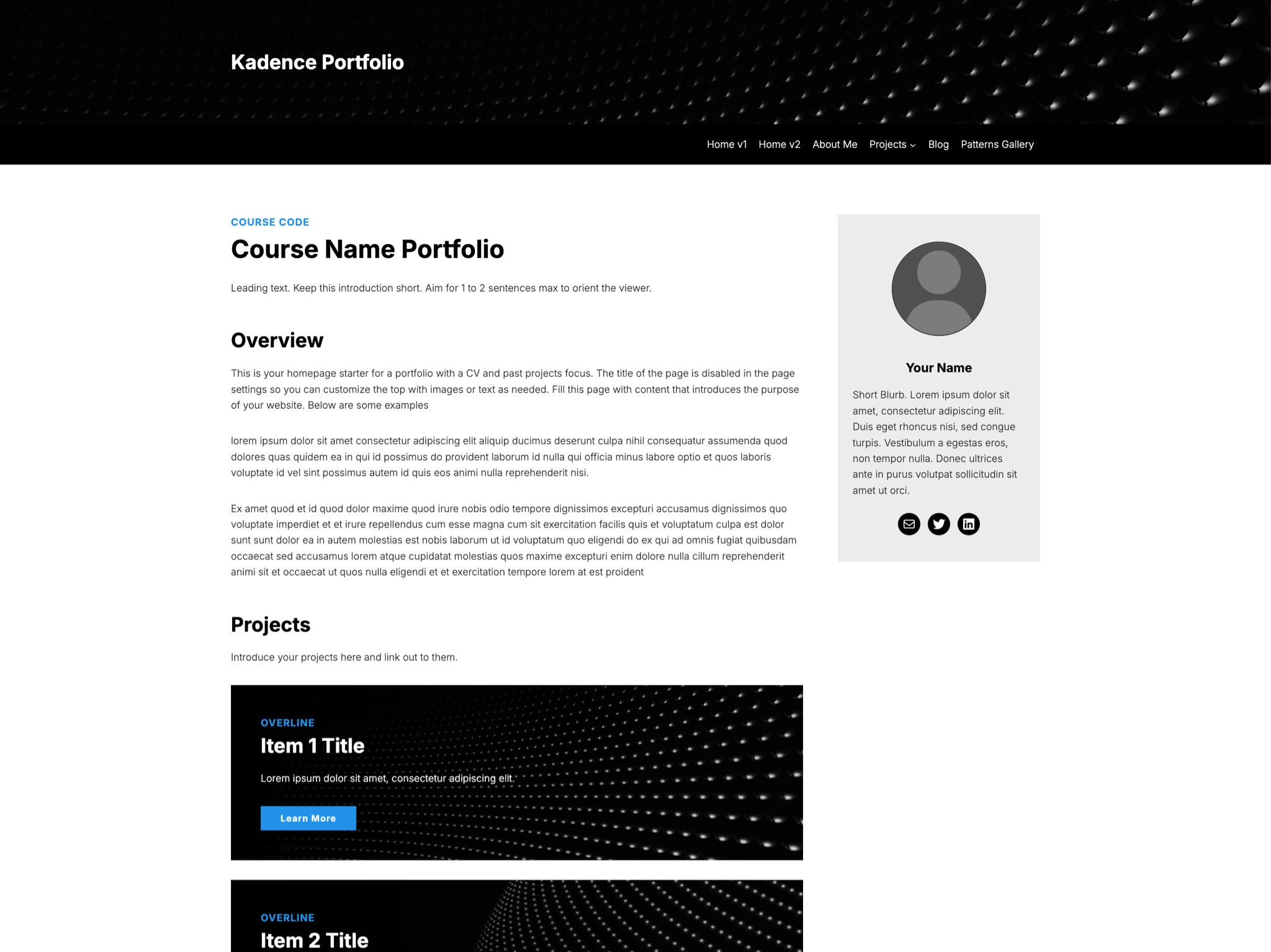
Based on the highly customizable Kadence theme with the Kadence blocks plugin enabled. This is one of 4 portfolios with a similar setup. Choose from 1 of 2 homepages based on the structure of your portfolio or create your own.
This theme has its own built in patterns library that can be selected from the block inserter menu in the editor. You can use the patterns provided on this site as well, but most of them are the same or modified in the template to work better for the narrower content area and color scheme.
The font for this template is Inter for both the body and headings.
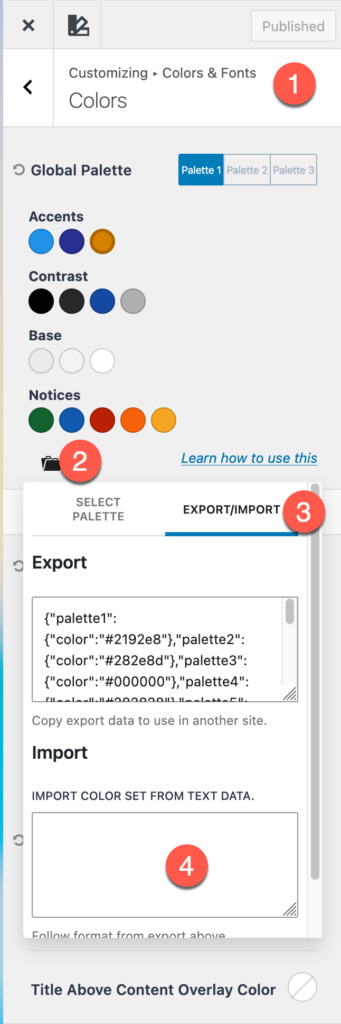
If you would like to port the color scheme of this template to a different Kadence website this is the palette export:
{"palette1":{"color":"#2192e8"},"palette2":{"color":"#282e8d"},"palette3":{"color":"#000000"},"palette4":{"color":"#282828"},"palette5":{"color":"#1448a1"},"palette6":{"color":"#afafaf"},"palette7":{"color":"#ececec"},"palette8":{"color":"#f3f3f3"},"palette9":{"color":"#ffffff"},"palette10":{"color":"#FfFfFf"},"palette11":{"color":"#13612e"},"palette12":{"color":"#1159af"},"palette13":{"color":"#b82105"},"palette14":{"color":"#f7630c"},"palette15":{"color":"#f5a524"}}To import this in a Kadence themed website, open the customizer, go to the colors section, click the folder icon, then the export/import tab, paste the code above into the import color set from text data, scroll down and click the import button and the colors will be imported.